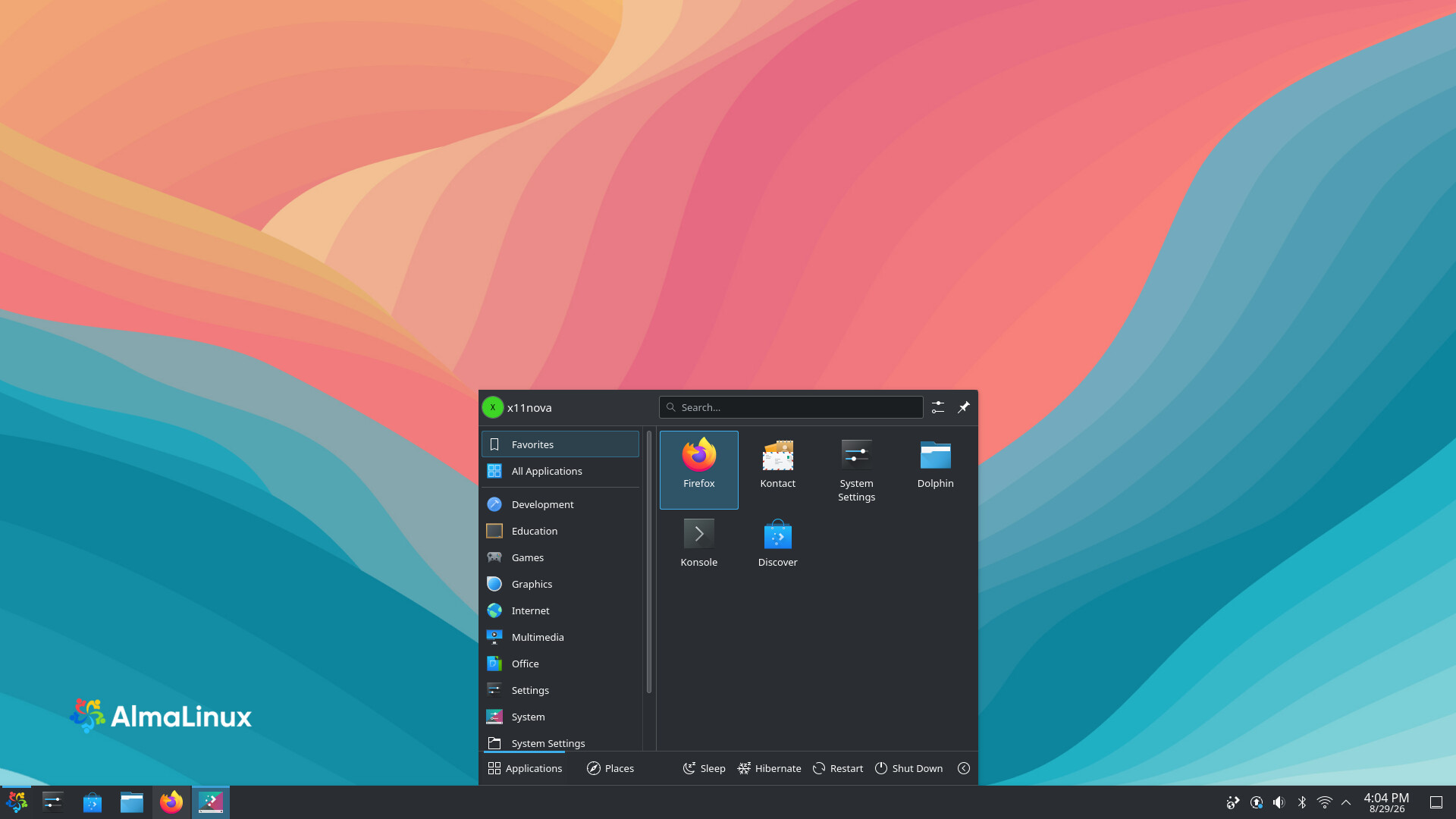
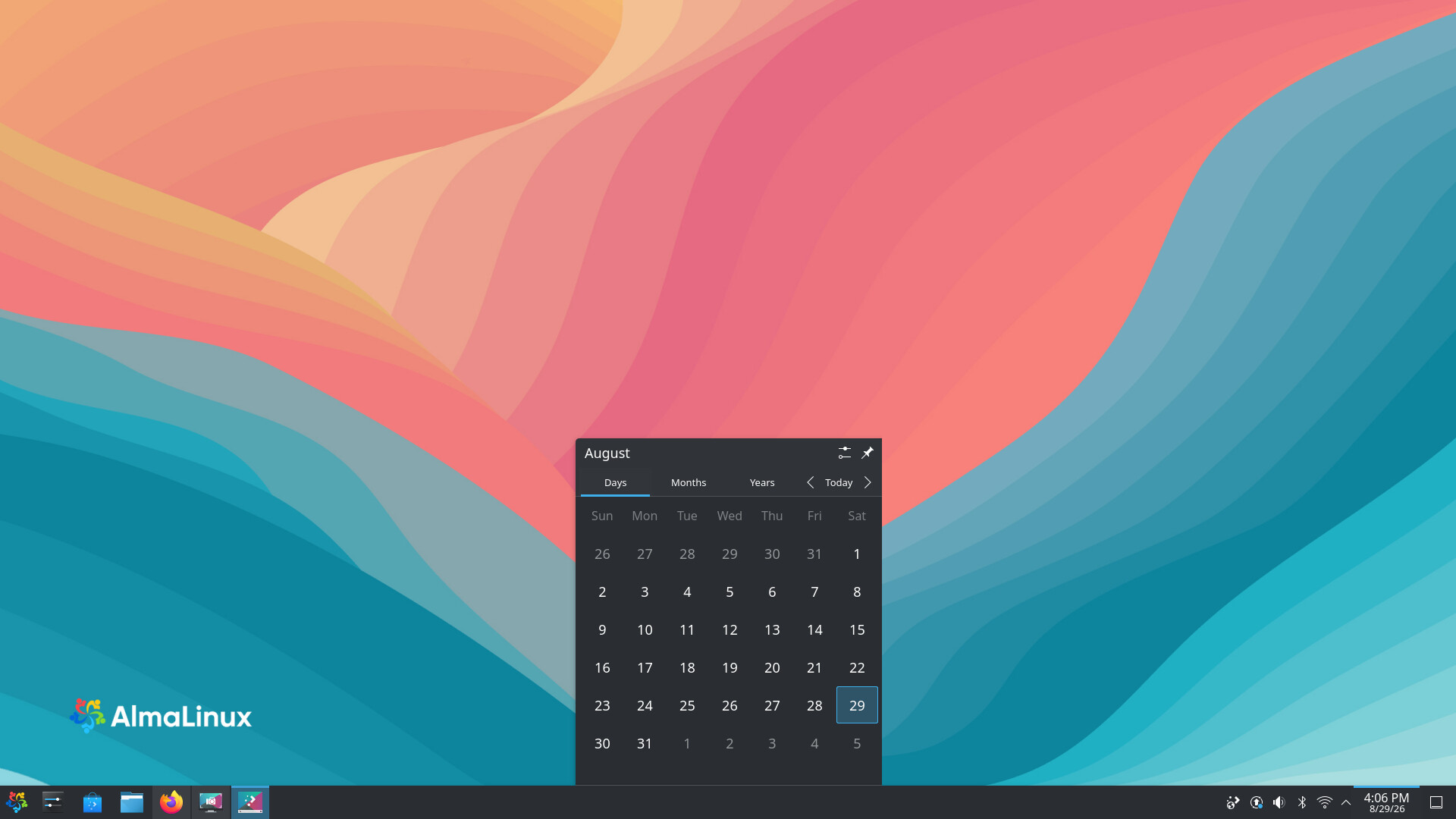
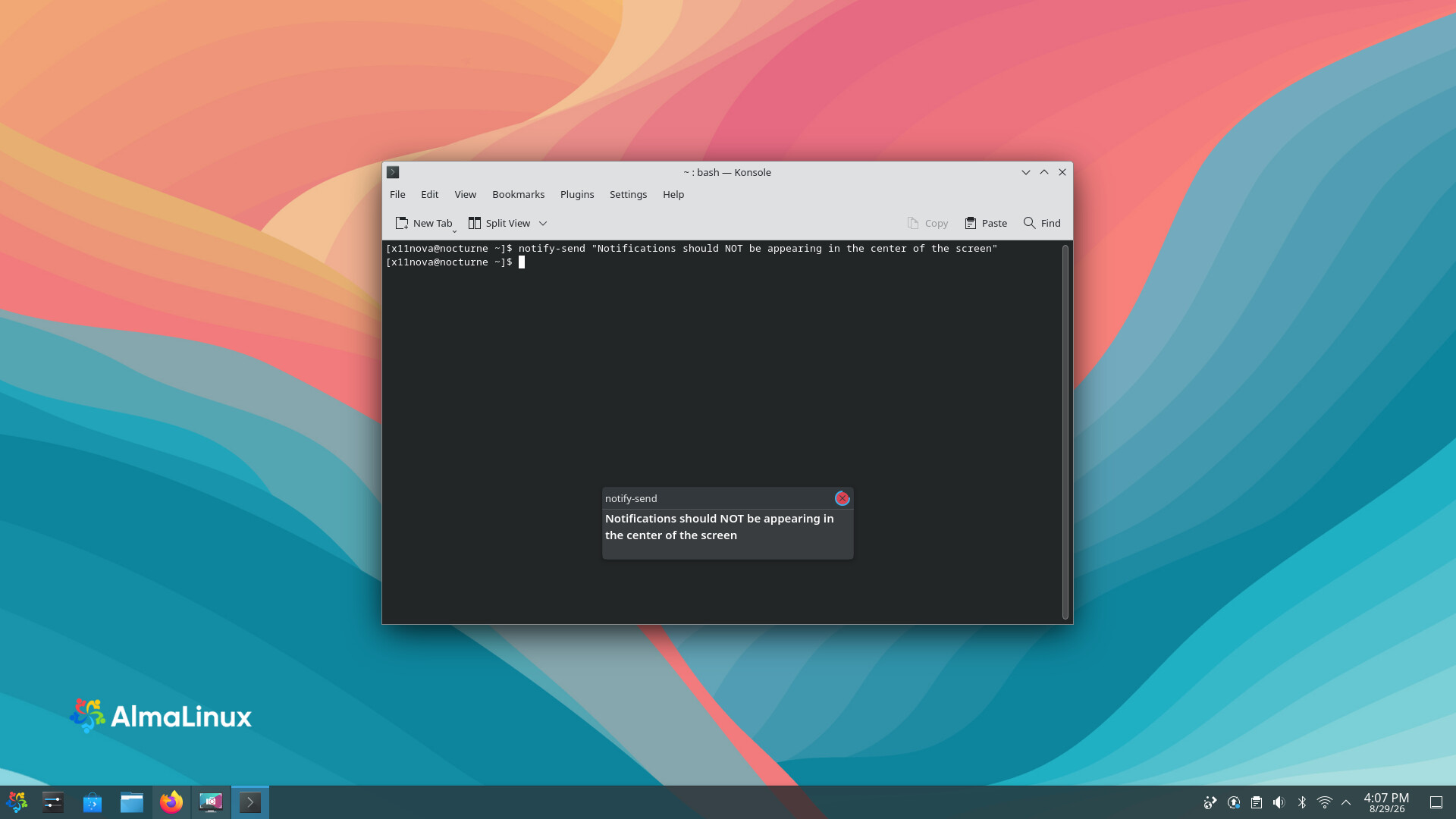
Not sure what you mean by “wrong” location, you mean it spawns at the bottom? Maybe there is a Window rule for all windows? (see bottom of this post and check if there is an existing global rule)
To force a “simple” spawn location (Centered, Maximized, In Top-Left Corner etc) on all windows (make sure there is no global window rule, see bottom of this post):
Plasma Settings > Window Management > Window Behavior > Advanced > Window Placement (dropdown)
If you want the window placement to be remembered or specify location more precise, you need to create a window rule per application:
Plasma Settings > Window Management > Window Rules > Add Rule
You can use the “Detect Window Properties” button and click the window you want to configure, add Window Class (application) & Position and configure position in the dropdown to remember or whatever you want.
You can also right click the title bar on specific windows: More Actions > Configure Special Window Settings… and it will create the initial properties for that window so you only need to add the Position property by clicking Add Property
If you want the rule to apply to all windows, change Window Class (application) to Unimportant.
Edit
Wait, you wrote TASKBAR.
Ummm, I don’t know how to configure that. You might have better luck (unless someone else here knows) asking on KDE forums
Edit 2
Might be related to this bug but it doesn’t look like you have a spacer on the bar that could trigger this bug.