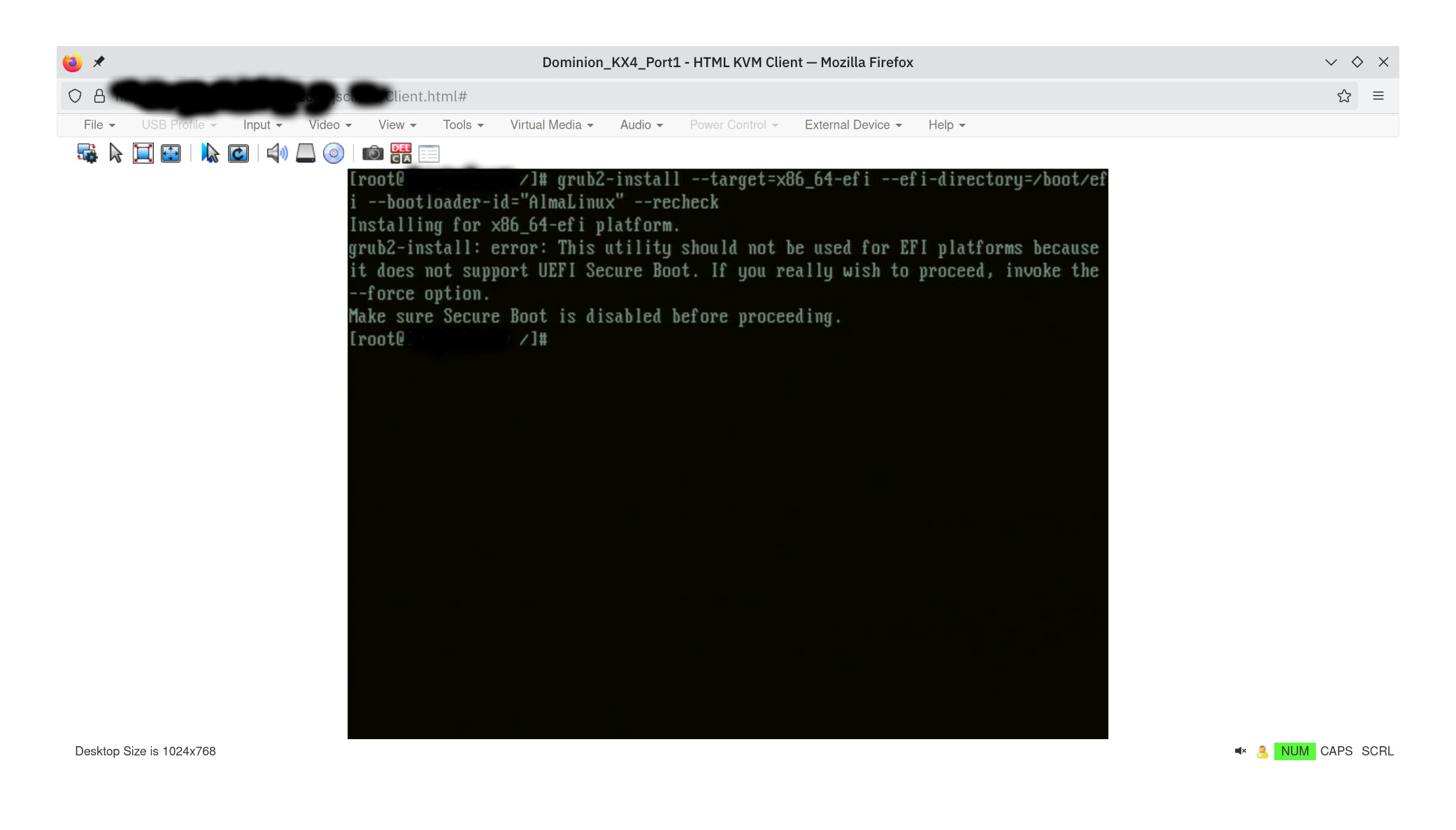
Hi, any help with installing Alma Linux 9.6 on Hetzner dedicated server via installimage with full encryption ?
I try to install , but after install process and finish, server just not start.
My config:
CRYPTPASSWORD my-secret-passwd-here
DRIVE1 /dev/sda
DRIVE2 /dev/sdb
SWRAID 1          # Enable software Raid
SWRAIDLEVEL 1  # Use software raid level 0
HOSTNAME My-hostname-here #Server hostname

PART /boot ext3 1024M
PART lvm vg0 all crypt

LV vg0 swap swap swap 32G
LV vg0 root / ext4 500G
LV vg0 home /home ext4 all

IMAGE /root/images/Alma-96-amd64-base.tar.gz
edit: install script output:
Hetzner Online GmbH - installimage

  Your server will be installed now, this will take some minutes
             You can abort at any time with CTRL+C ...

         :  Reading configuration                           done
         :  Loading image file variables                    done
         :  Loading almalinux specific functions            done
   1/18  :  Deleting partitions                             done
   2/18  :  Test partition size                             done
   3/18  :  Creating partitions and /etc/fstab              done
   4/18  :  Creating software RAID level 1                  done
   5/18  :  Encrypt partitions and create /etc/crypttab     done
   6/18  :  Creating LVM volumes                            done
   7/18  :  Formatting partitions
         :    formatting /dev/md/0 with ext3                done
         :    formatting /dev/vg0/swap with swap            done
         :    formatting /dev/vg0/root with ext4            done
         :    formatting /dev/vg0/home with ext4            done
   8/18  :  Mounting partitions                             done
   9/18  :  Sync time via ntp                               done
         :  Importing public key for image validation       done
  10/18  :  Validating image before starting extraction     done
  11/18  :  Extracting image (local)                        done
  12/18  :  Setting up network config                       done
  13/18  :  Executing additional commands
         :    Setting hostname                              done
         :    Generating new SSH keys                       done
         :    Generating mdadm config                       done
         :    Generating ramdisk                            done
         :    Generating ntp config                         done
  14/18  :  Setting up miscellaneous files                  done
  15/18  :  Configuring authentication
         :    Fetching SSH keys                             done
         :    Disabling root password                       done
         :    Disabling SSH root login with password        done
         :    Copying SSH keys                              done
  16/18  :  Installing bootloader grub                      done
  17/18  :  Running some almalinux specific functions       done
  18/18  :  Clearing log files                              done

                  INSTALLATION COMPLETE
   You can now reboot and log in to your new system with the
 same credentials that you used to log into the rescue system.
With this setup, install script finish with no issue, but server not starts .
Installing with no encryption , removing all crypt options server starts.
Any help?
Thanks!