I am looking to install AmaLinux, because I have been told that AlmaLinux easily installs Nvidia drivers. In reading the installation instructions I have a question. Here is my hardware.
- **Memory:** 16.0 GiB
- **Processor:** AMD Ryzen™ 5 1600 × 12
- **Graphics:** NV136
The NV136 is an Nvidia GTX 1060. Newer Nvidia GPUs have part of the driver code on the chip (starting with 20xx). That made the Nvidia open driver possible. My card needs the 580.xxx driver. Below are the commands in the instructions to install an Nvidia driver on AlmaLinux. My question is whether those commands will load the driver I need or do I need to do something else. And if something else, where can I find that information. (I have looked before asking.)
sudo dnf install almalinux-release-nvidia-driver
sudo dnf install nvidia-open-kmod nvidia-driver
For a more complete install you can use sudo dnf install nvidia-open.
reboot to load the kernel module, or, if you’re on the latest kernel,
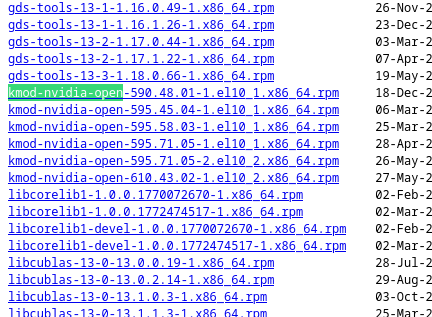
Regarding your question, the drivers you need are indeed the 580.xx series. However, the versions available in the AlmaLinux repository are the 610, 595 and 590.
Curious question that can probably be useful for OP.
Should akmod or kmod be used to install on AlmaLinux?
This is mentioned for newest cards in the installation instructions linked to in earlier comment:
sudo dnf install akmod-nvidia # rhel/centos users can use kmod-nvidia instead
But that is removed for the older version that OP needs:
Legacy GTX 800/900/10
Supported on current stable Xorg server release.
This driver is suitable for any NVIDIA Maxwell and Pascal GPU found between 2014 and 2017
dnf update -y
sudo dnf install xorg-x11-drv-nvidia-580xx akmod-nvidia-580xx
sudo dnf install xorg-x11-drv-nvidia-580xx-cuda #optional for cuda up to 12.x support
And does that mean that only x11 (and xWayland) is supported for this driver?
Does that work on all versions of AlmaLinux?
It is mentioned that it works on xWayland with newest drivers, so is that true on older drivers and AlmaLinux too?
Wayland
NVIDIA works under Wayland (and Xwayland) starting with Fedora 35 and NVIDIA driver 495 and later. With GNOME 41, Wayland can be selected explicitly with GDM.
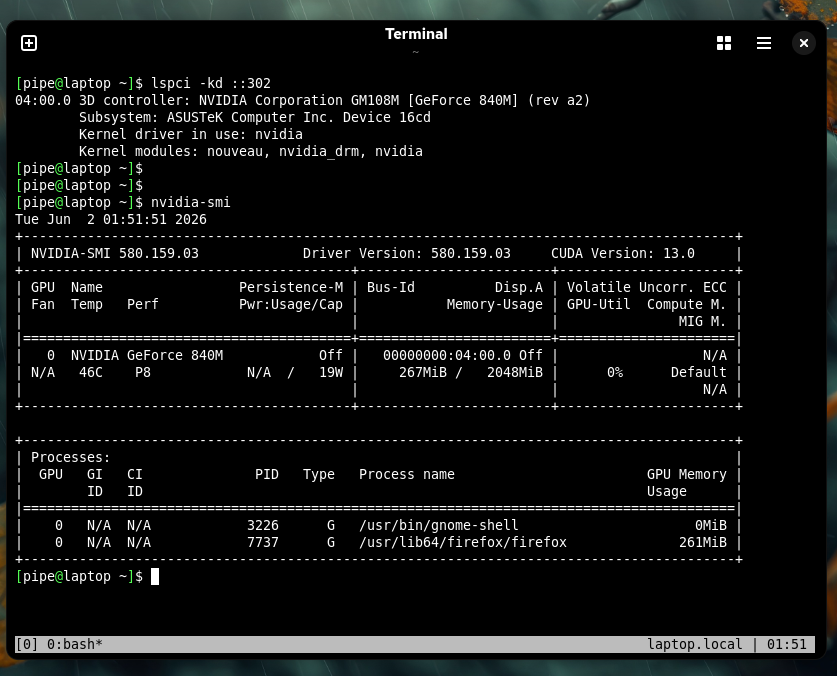
Maybe a ping to @pipe would be appropriate too since you indicate you have one of the older drivers installed and working.
In my use case, I installed akmod because I want the module to be rebuilt with each kernel update.
This only applies to the Fedora version. For EL, 580 is still current so, dnf install akmod-nvidia its the command.
PS.: if you have SecureBoot enabled, you should create a signature for akmod.
Regards.
Update 2026-06-06:
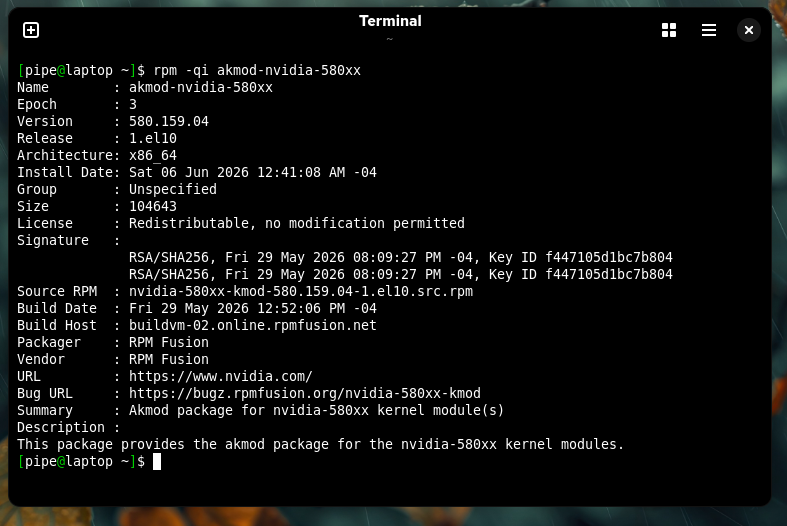
Version 580 of “RPMFusion EL” became legacy today. I received the update today and now have the legacy version installed. Therefore, the correct way to do it now is as @Bedna says.
The NVidia’s repo has two types of kernel module packages: prebuilt for specific kernel version, and “source” that dkms (from EPEL repo) builds into kernel modules for each kernel. The dkms automatically creates a signature and signs the modules (at least for the from NVidia’s repo packages).
The kernel module package from ELRepo has prebuilt modules, but is built such that they work with multiple kernel versions (typically within one point update) and is signed by ELRepo.