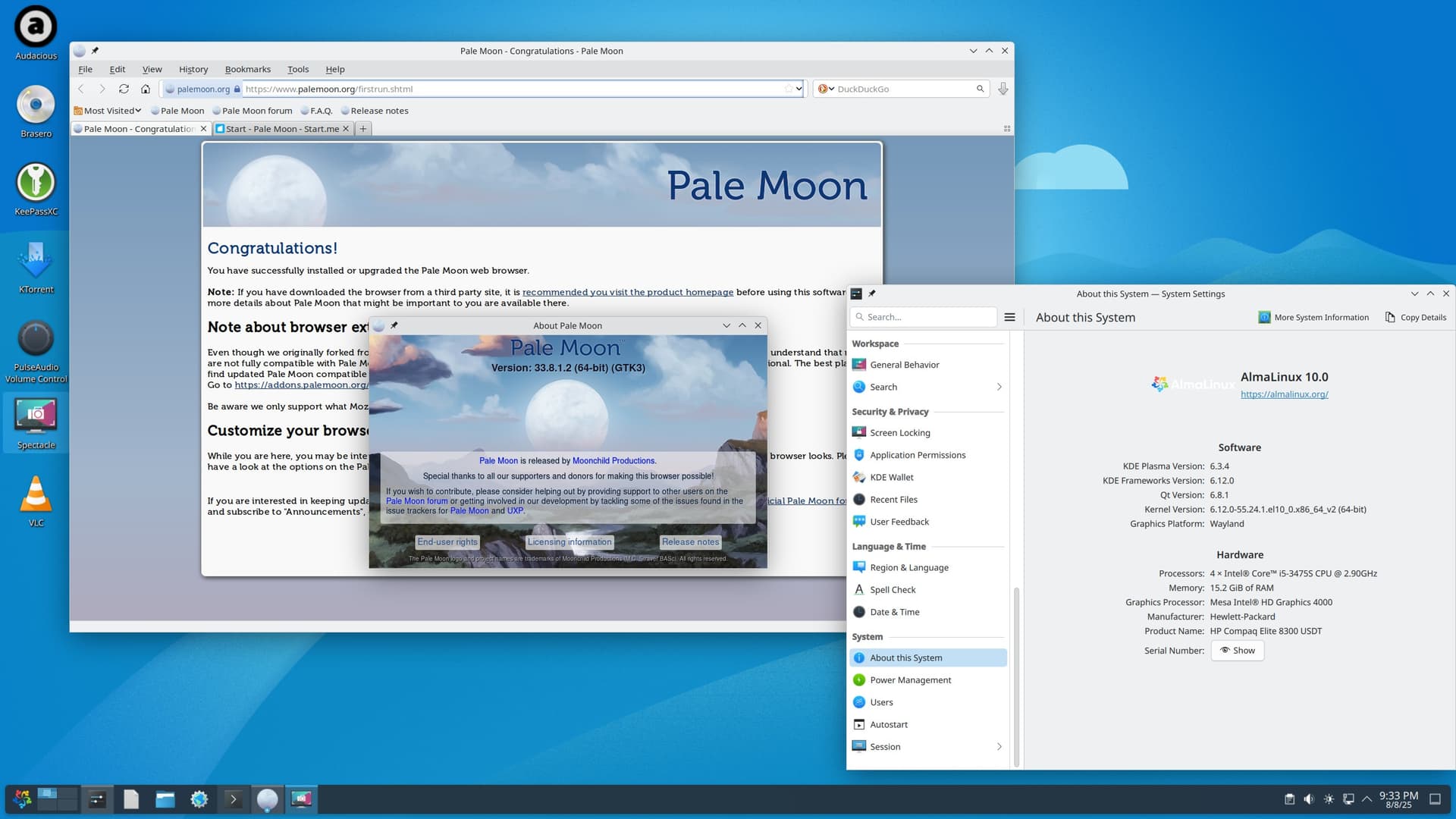
I have successfully compiled the Palemoon web browser source code on my Alma EL10.0 x86_64_v2 system, and create the RPM file which installs successfully.
There are a few ‘tweaks’ to be performed, that I’m assuming are done to all of the x86_64_v2 packages in the Alma ‘base’ and ‘epel’ repositories… (i.e. how do you change the ‘architecture’ to ‘v2’, when rpmbuild says ‘that ain’t supported’ ?)
The RPM defaults it’s file installation to “/opt” (where the un-packaged ‘tar’ distribution would install as well), and currently has a ‘pre’ installation check to ensure that “/opt” is a seperate filesystem (as it SHOULD BE !), but that can easily be removed…
I’ll attempt to have it accepted onto the Palemoon ‘contributed builds’ site ( Contributed builds ) for general consumption…
YES, commenting-out the “##BuildArch: x86_64_v2” line in the SPEC file,
and modifying the ‘rpmbuild’ statement in the KSH script that launches the packaging of the ‘.tar.xz’ file permitted the use of the ‘v2’ architecture in the RPM ‘header’… (this method must bypass the ‘check’ on valid architectures…)
rpmbuild --target x86_64_v2 …
Resulting in:
rpm -q -i -p ./palemoon-33.8.1.2-el10.x86_64_v2.rpm
Name : palemoon
Version : 33.8.1.2
Release : el10
Architecture: x86_64_v2
Hello.
I replied because your question was posted in the community section.
It might be better to post your question in the support section.
Good luck!