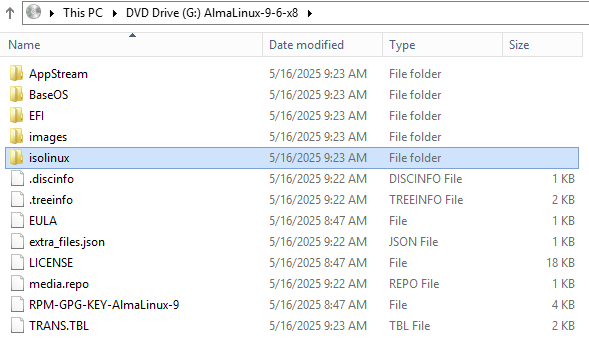
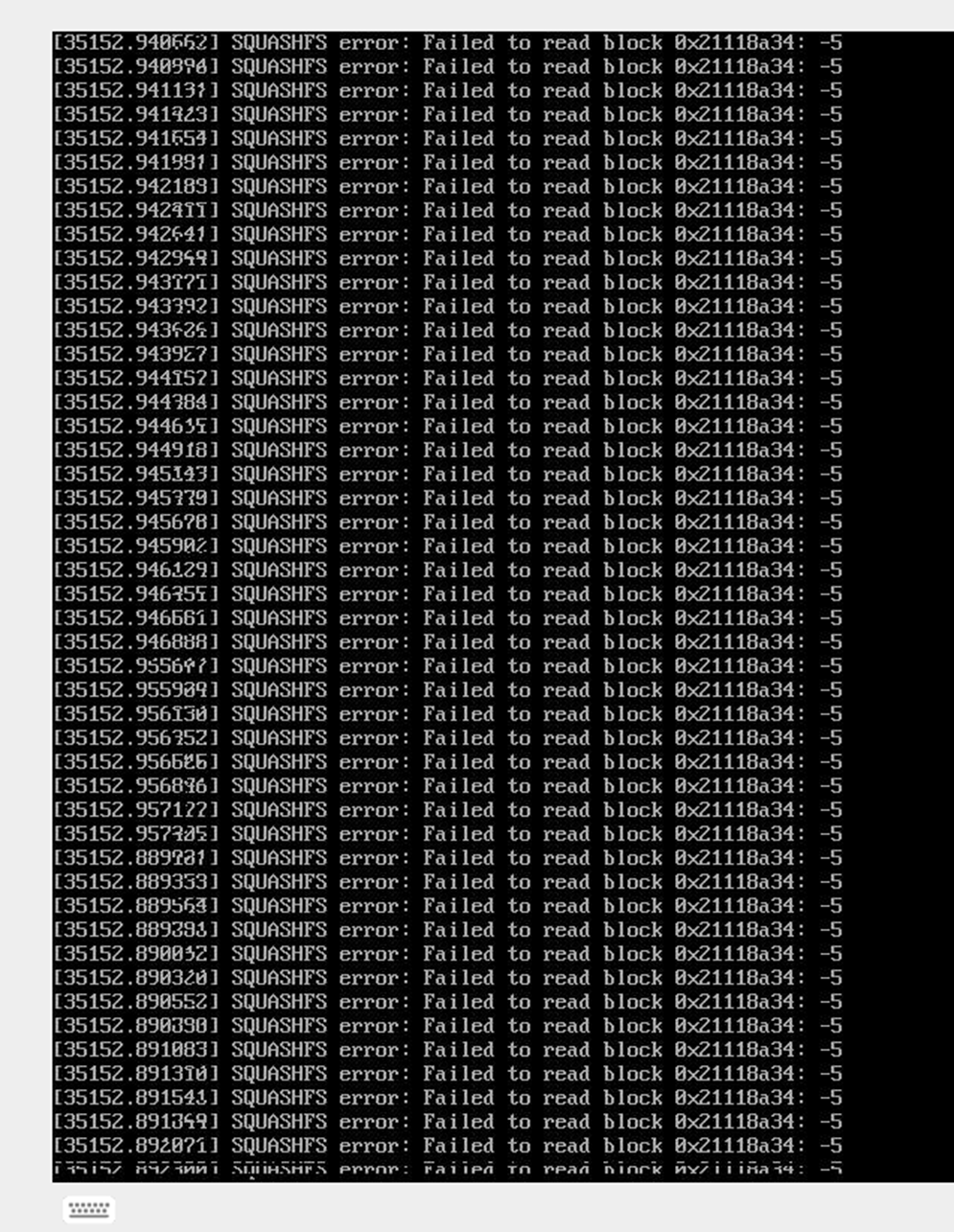
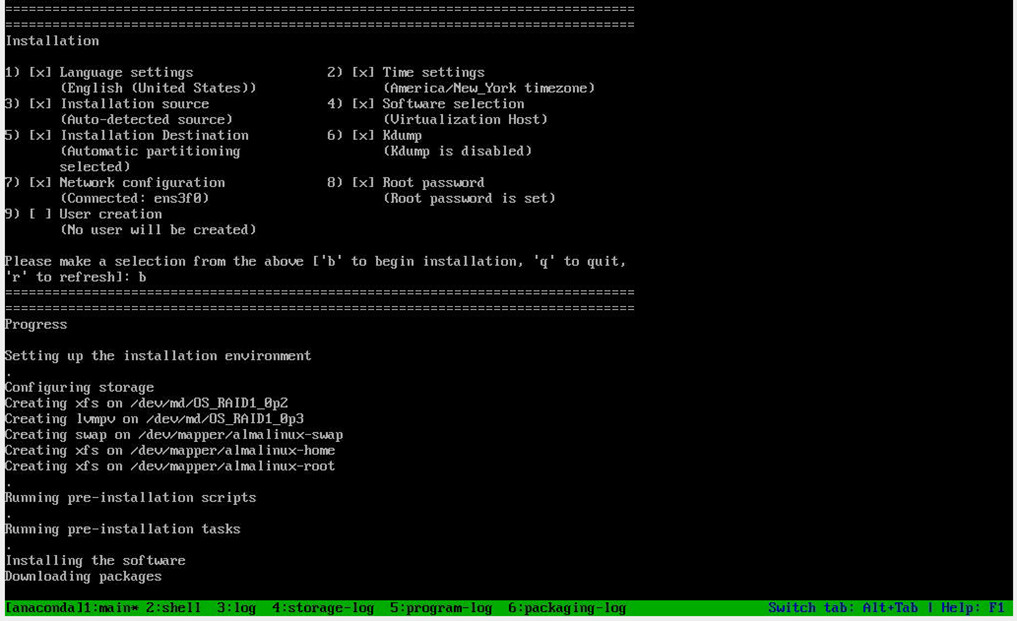
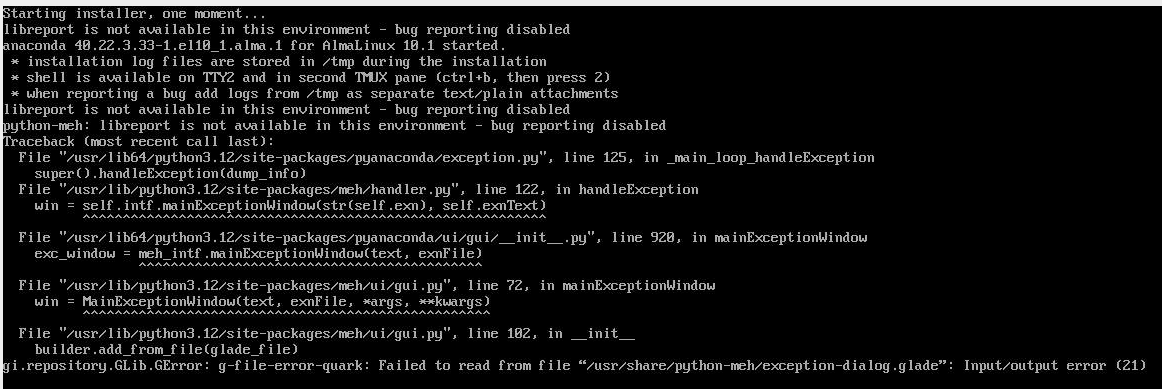
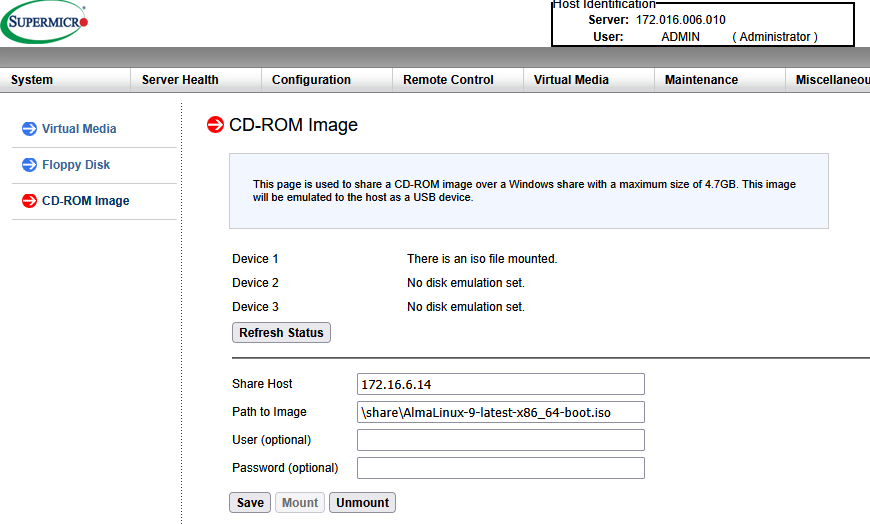
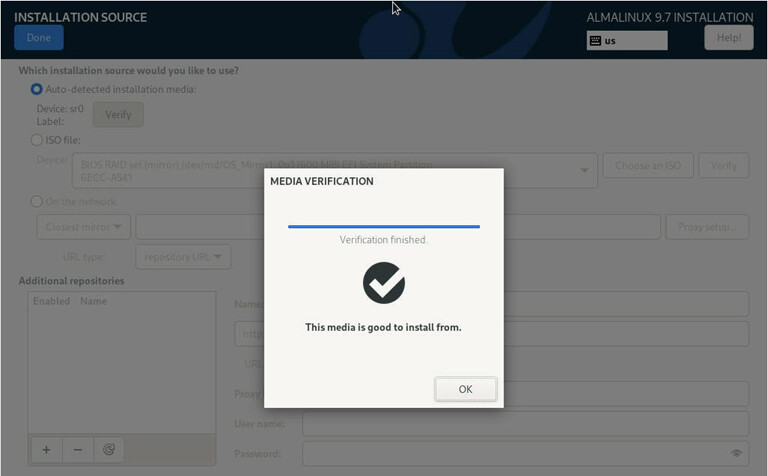
We have been using for ever the CD-ROM Image on Supermicro server without any issue:
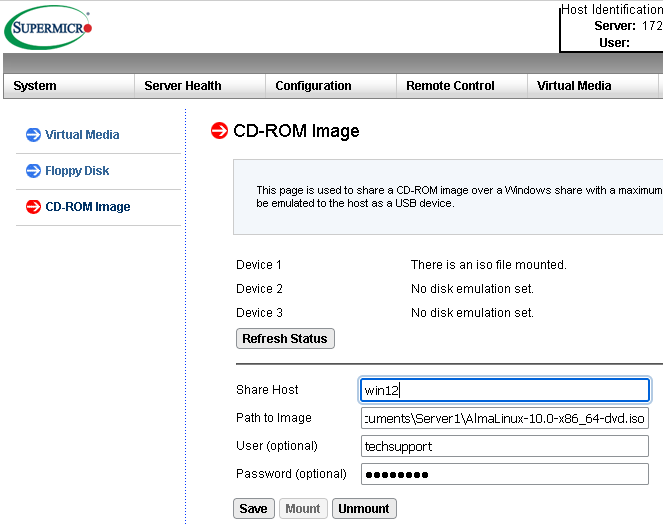
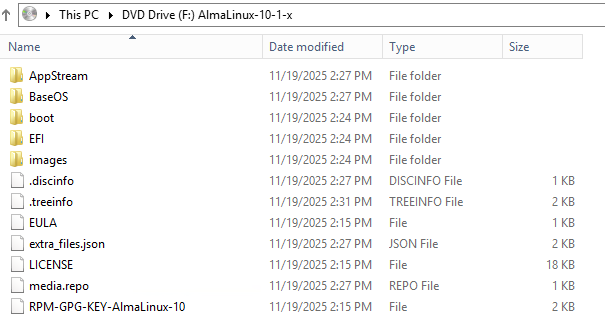
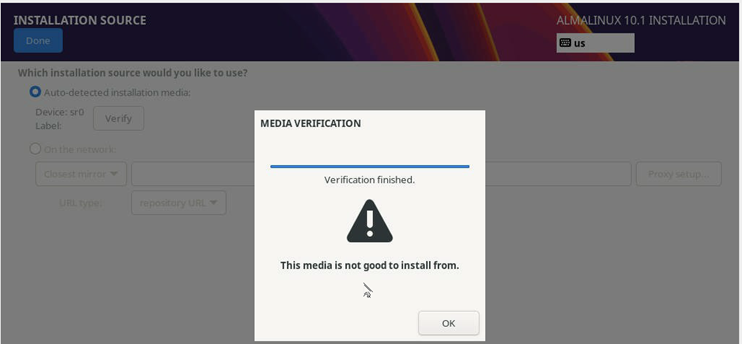
Until now where Alma 10.0 or 10.1 stopped/never finished:
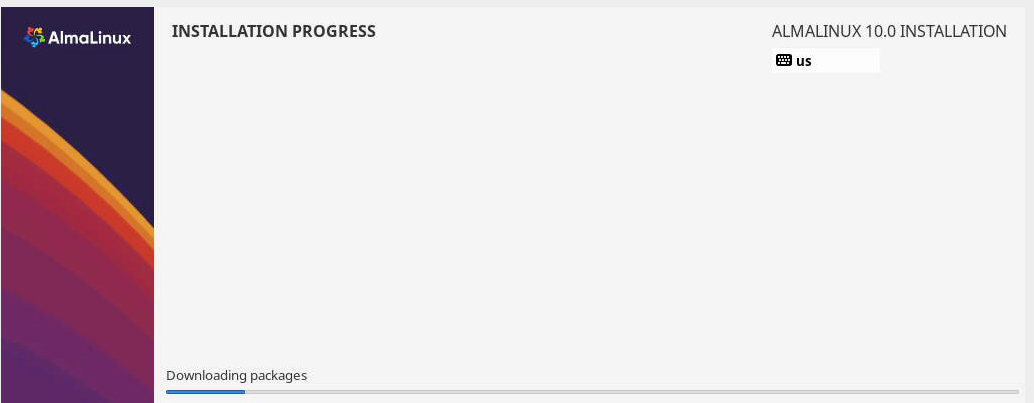
please advice
Christian
We have been using for ever the CD-ROM Image on Supermicro server without any issue:
Until now where Alma 10.0 or 10.1 stopped/never finished:
please advice
Christian
Mounting the ISO through IPMI like that is incredibly slow. It will take a very, very long time.
Can you PXE boot to the installer, or use a thumb drive?
Hi Jonathan, I am not familiar with PXE boot, I’ll research on that.
Using a thumb drive require a local physical action, not a option.
my question, again, is why Alma 9.X Iso via same IPMI does work. ?
Thanks
Christian
Hi, Pls help. still cannot install Alma 10. 
Using very same process/machines/network, etc but instead on 10.1 ISO file the 9.7 ISO installation file works OK.
What could be the issue?
pls, advice.
Christian
Boot 9.7 ISO but configure the installation process to fetch files from 10.1 directory via HTTP/S. Also check hardware activity from another virtual console.
Hi, There is only one virtual console which is taking by this installation process, so there is no way to see extra activity from this installation process.
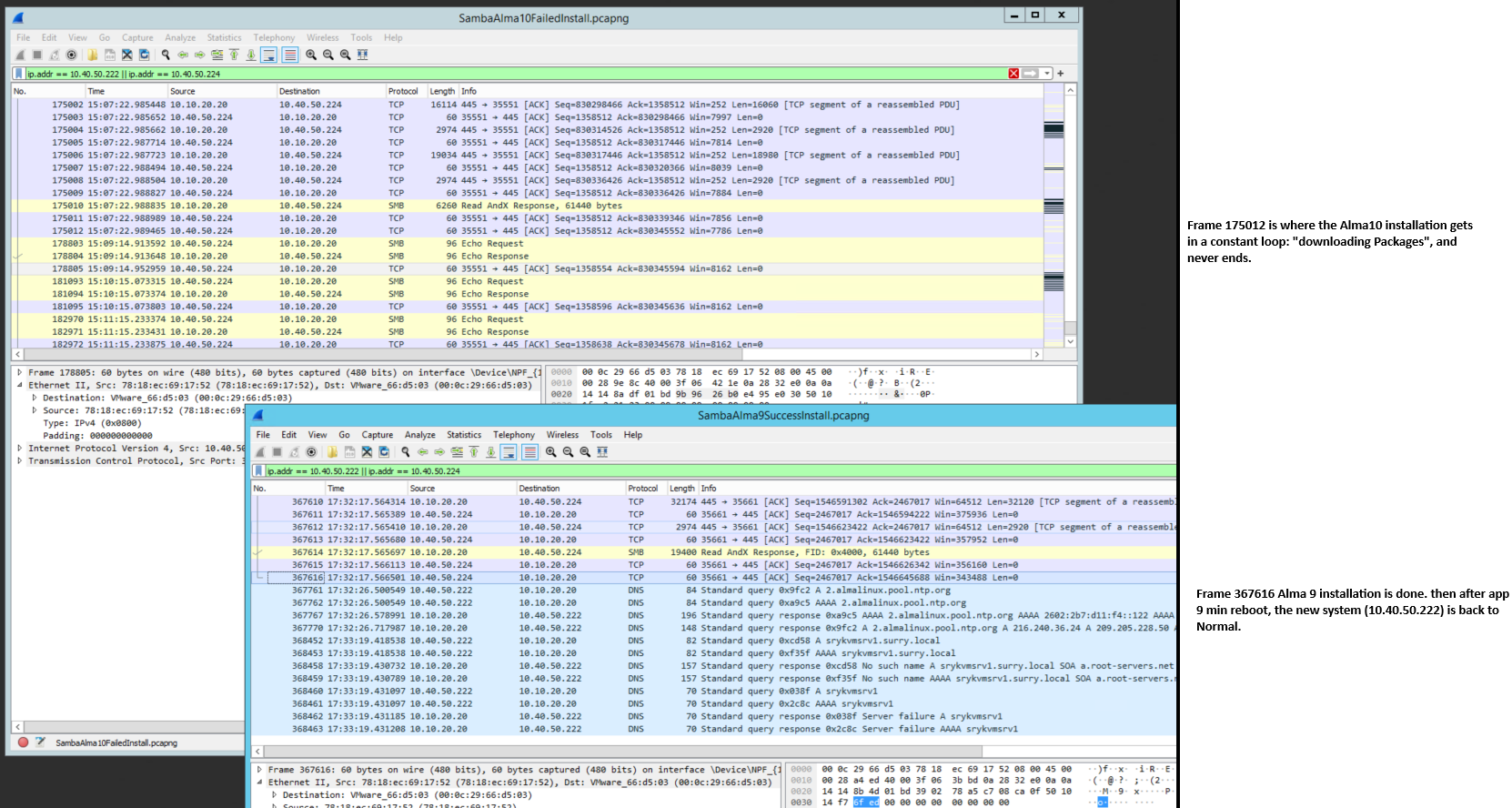
While capturing packages with Wireshark on where the ISO files resided, we are seeing SMB(Samba retries) that never got response in the Alma-10 case.
pls, let me know any comment/clues.
Thanks
Christian
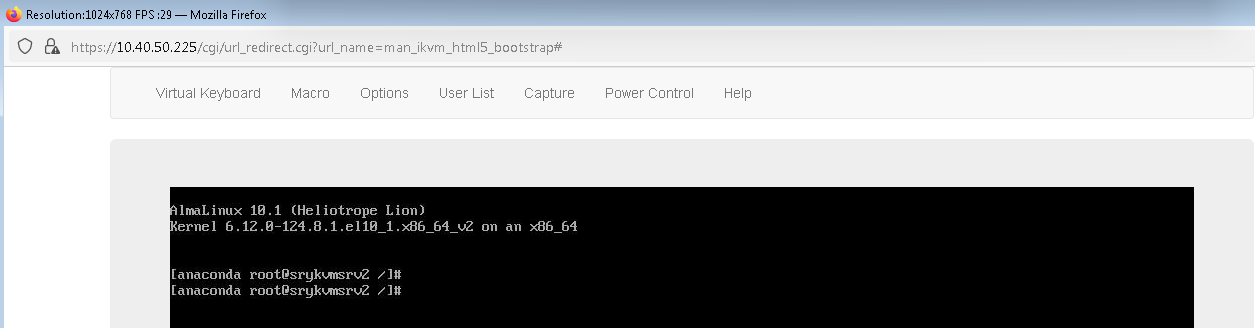
You do get to see installer’s graphical window. Therefore, system has loaded kernel from the ISO and the kernel has started the installer application. (The ISO basically starts an OS that runs only that one program.) So boot was successful and isolinux is not required.
Then the running installer stalls.
You mean Supermicro/IPMI “virtual console”. Can you send key combos in that?
(DELL iDRAC console has such feature.)
Keys, like Ctrl-Alt-F2, Ctrl-Alt-F3, …
The installer – if not totally frozen – has Linux virtual consoles (in addition to that Wayland session).
Alternatives to GUI “on seat” installer are text mode and RDP. For both one would do something with GRUB, before it loads the kernel.
Also the -F3, -F4, -F5 ought to show something and -F1 probably returns to the GUI.
What to do there and how to diagnose the Python/installer are totally beyond my knowledge.
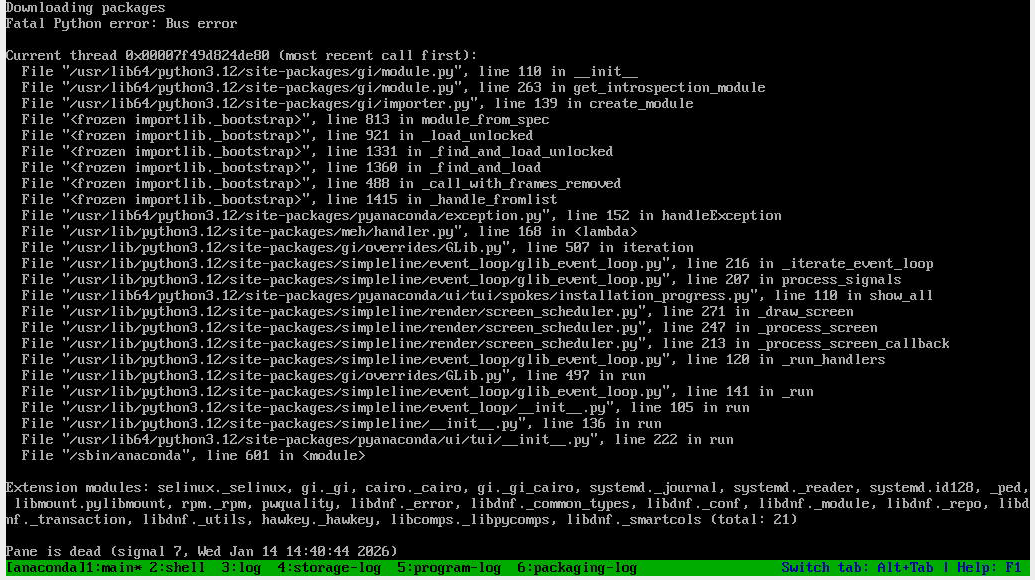
Hi Jlehtone/support, forget about that key combo, the issue is there.
The Installation stall with that Fatal Python error show on my last snapshot.
Can you escalated this to that Python/Installer area where the ISO files are created?
Thanks
Christian
Hi, Is there any update/news on this case?
Christian
I’m a “mere user” just like you, and as I said before anything Python is not my forte.
so, where this can be fix?
Logically, via reporting to https://bugs.almalinux.org/
that’s leads nowhere!
Unable to create Issues, Unable to create an account etc.